
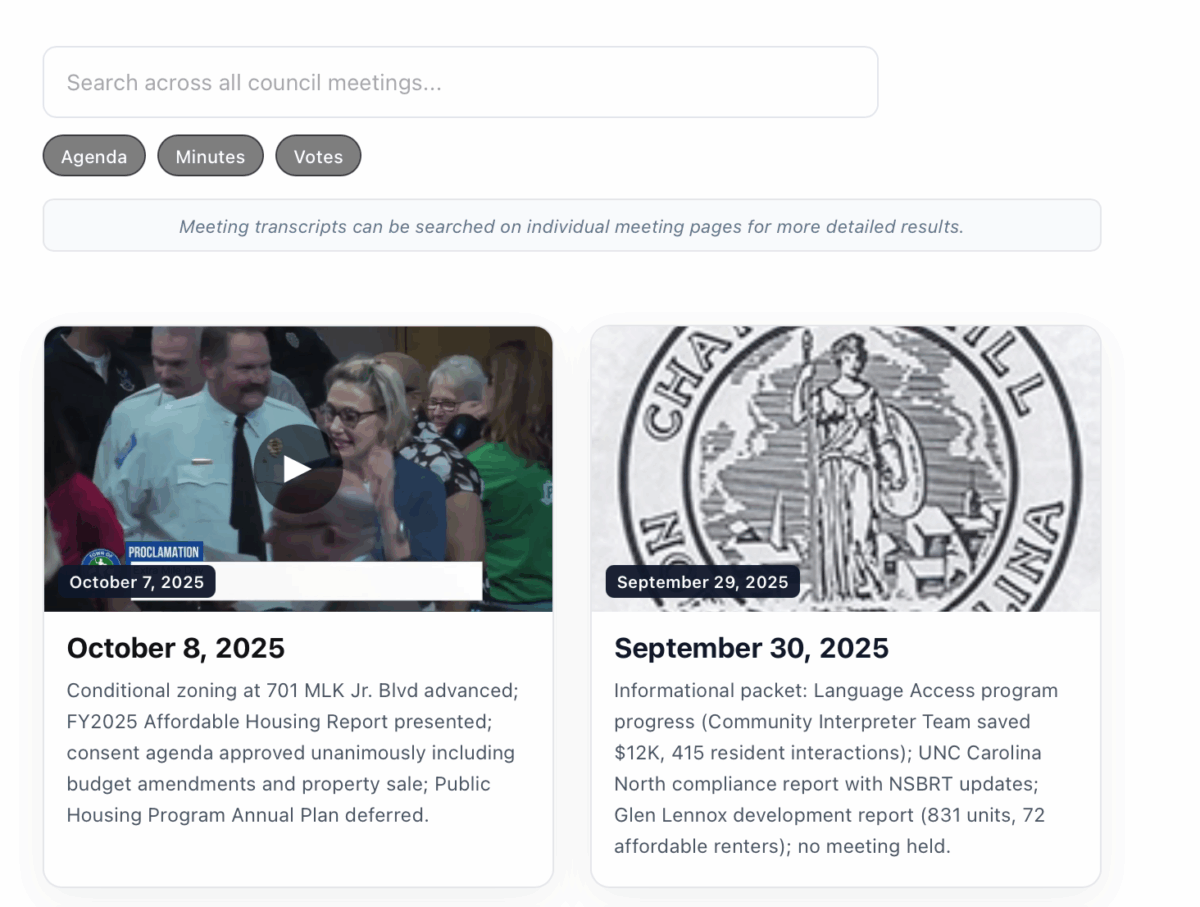
The Town of Chapel Hill does a pretty nice job of putting a lot of information online. They should be applauded for their transparency.
But making information available is different from making it findable. Trying to find, say, a specific item discussed in a council meeting 3 months ago is a bit like trying to find a chic miso soup bowl and spoon set at an Ikea store: you know it’s there, but you’re not sure you have the time or fortitude to actually track it down.
We blog bloggers have relied on the town’s council meeting records for several years now. Which means that for several years now I have been vowing to build a user-friendly version of them. After many months of scraping, testing, cursing, crying, quitting, and restarting1 we finally have something to show for it. It’s just a start, but we are pleased to launch the Chapel Hill Council Meeting Archives.
It currently has all 2025 council meetings, which we hope to expand with future meetings as they are posted on the town’s site. We can also add previous years’ meetings, but that would likely require volunteers willing to help (or a healthy donation so we can hire some help – I’m not above branding this the Raising Cane’s Dippin’ Into The Civic Sauce Search Tool). We’ll also look at making a Carrboro version.
The site is pretty self-explanatory, but here’s a brief overview of how it works.
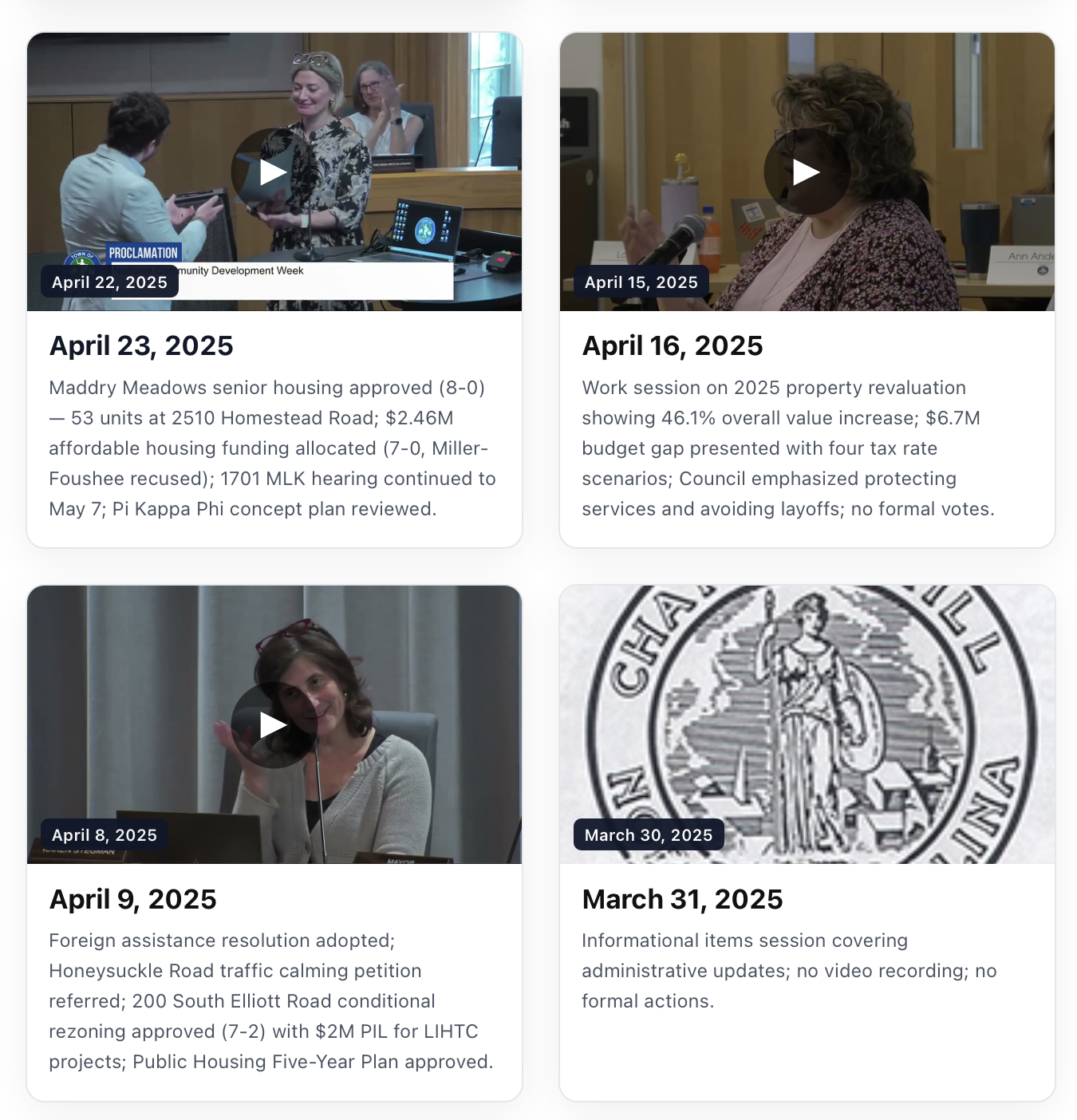
Each meeting has a card with a very high-level summary
Scroll and click any meeting that tickles your fancy. Meetings open in a new tab.
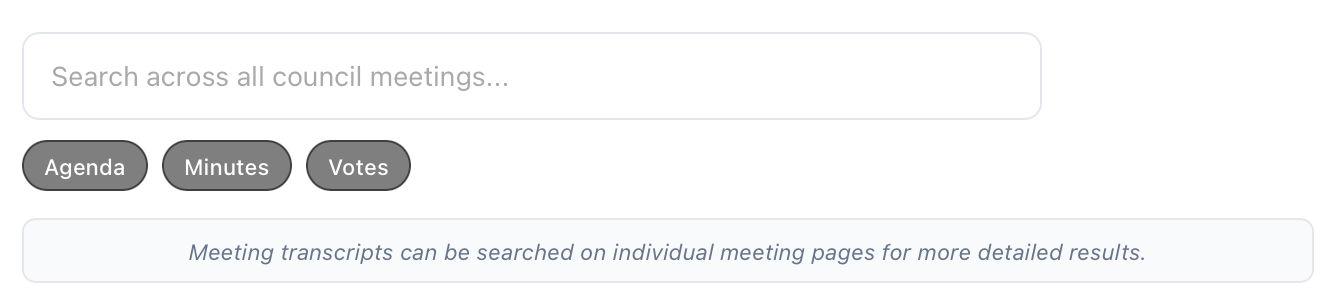
You can search across all meetings
Go on, put in a term and test it out. There’s a lot of data, so it can take a few seconds. If you only care about searching agenda items or votes, you can toggle the buttons to narrow your search.
Note that you can’t search meeting transcripts here because these are 4 hour meetings and we’re not trying to break the internet.
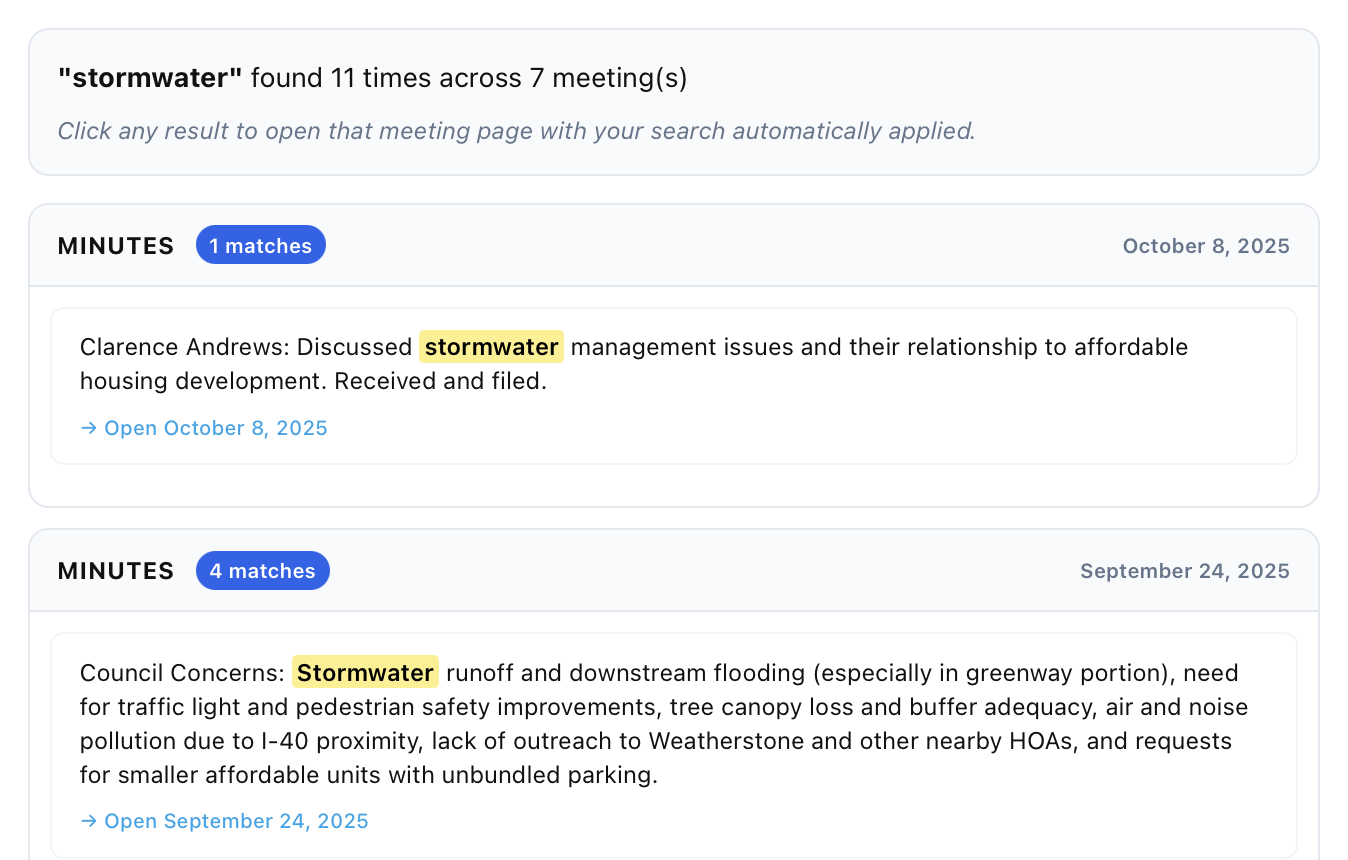
Results will appear below the search bar
If it’s a hot topic, you may get results across multiple meetings. Find what appeals to you and click.
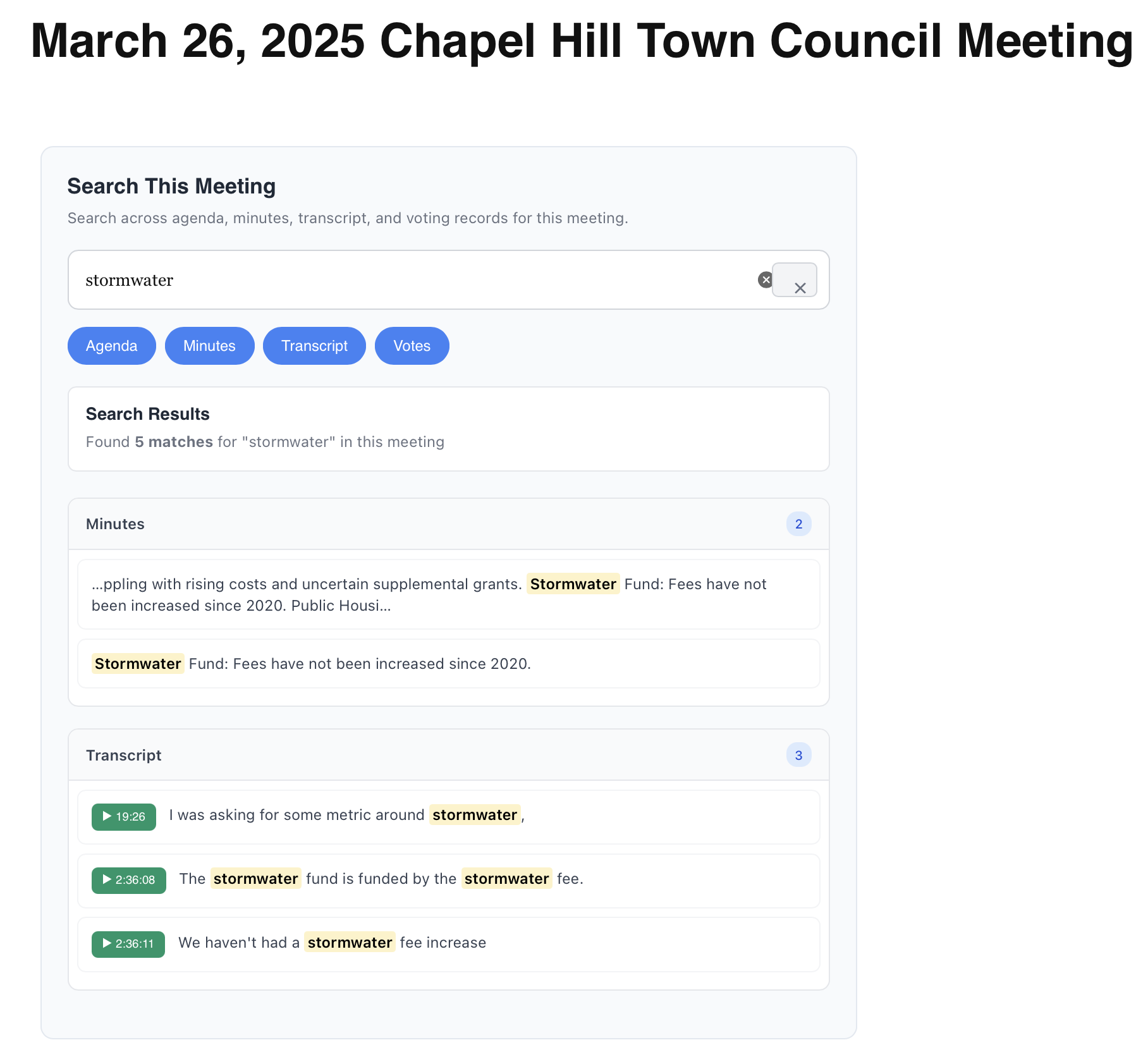
Your results now show in the meeting you selected
And you thought TBB’s reputation for stellar customer service was slipping. You don’t have to type “stormwater” again – it’s just there. And you’ll see now that results from the transcript are included. Clicking any result should scooch you down the page to that item and, in the case of transcript results, start playing the video when the term is discussed.
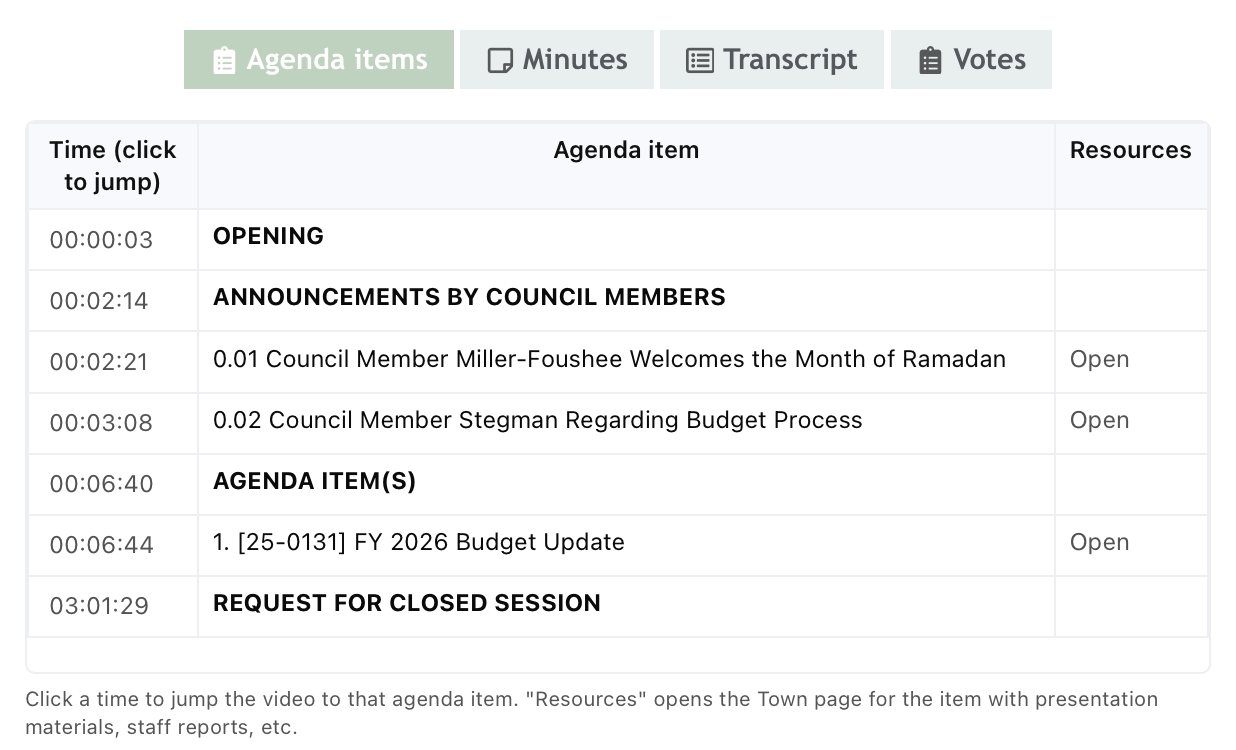
We have agendas!
These match the official Council agendas. Click a timestamp to move the video to that agenda item. The Resources column takes you to the town page for the agenda item, which is where you may find things like staff memos, presentation, and resolutions.
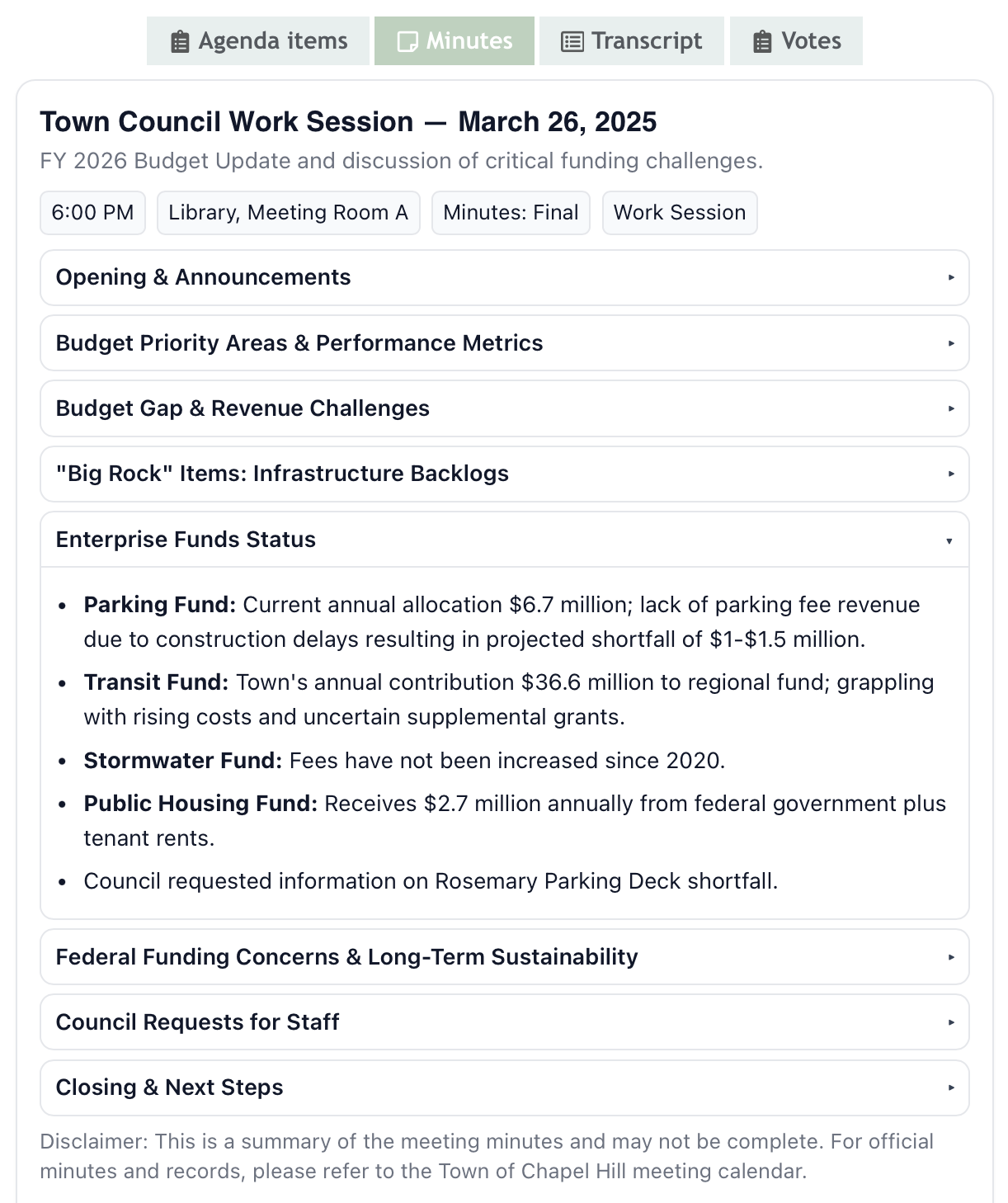
Minutes!
This summarizes the draft or final minutes produced by the town as well as action item details, another info nugget buried on the town’s site that sometimes has richer information that the minutes.
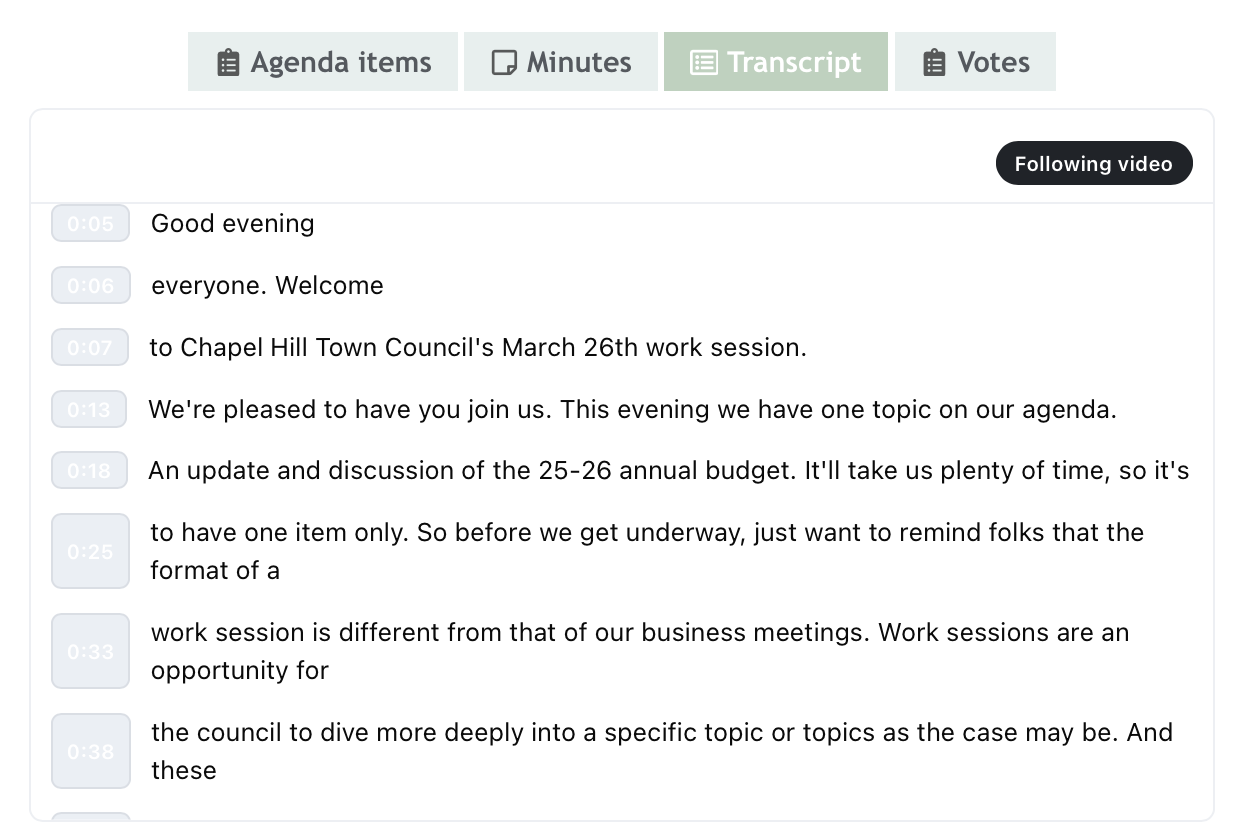
Transcripts!
Yes, we transcribed 4 hours meetings. Yes, we used AI and there will be errors. No, we don’t want you to email us to point out insignificant errors.
If the video is playing, the transcript should follow along with it. You can toggle the “following video” button to change that. Click any timestamp to jump the video to that point.
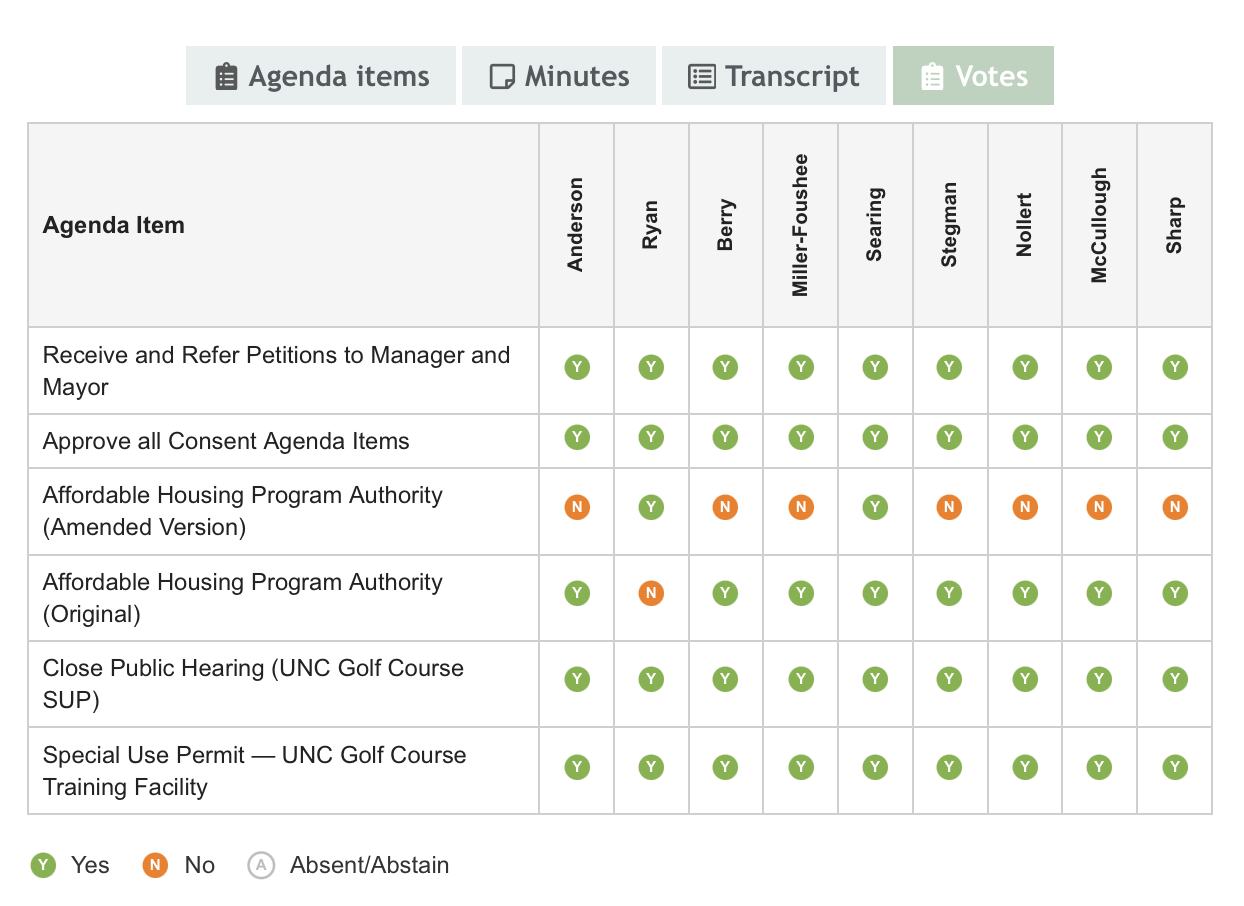
Votes!
We hear there’s a local election coming up. Now you have an easy way to see how candidates votes on topics you care about. Hover over the agenda items on this tab to get additional context about what a vote meant
Feedback
This baby is brand new and we hustled to get it out close to the election. There will be glitches. Drop us a line if you see any problems: [email protected]
- Shoutout to Alice Jacoby at Orange Habitat, who rekindled my interest in continuing the project ↩